Use Moomoo’s options and trading workspace to study strategy structure, price scenarios and risk before placing an eligible order.
Options Pro
Build multi-leg options strategies, review strategy structure and move from analysis to order entry in one workflow.
P/L Simulation
Model potential profit and loss, break-even levels and theoretical option value under different price and volatility assumptions.
Chart-Side Trading
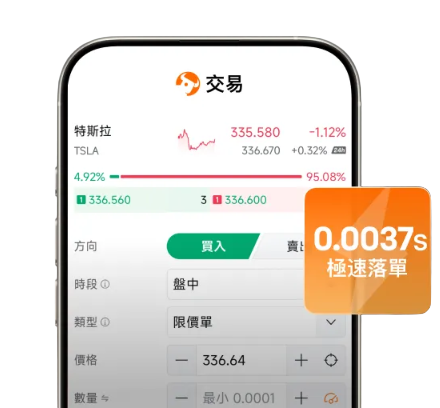
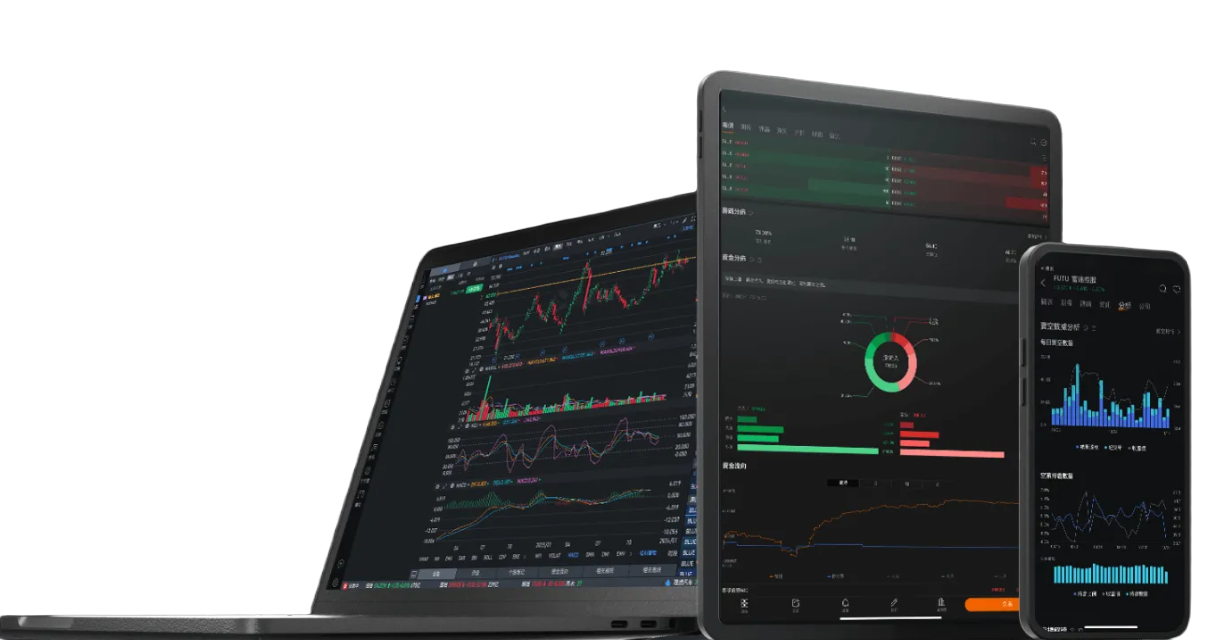
Open the Trade panel beside a chart so quotes, technical analysis and eligible order entry stay in the same desktop workspace.
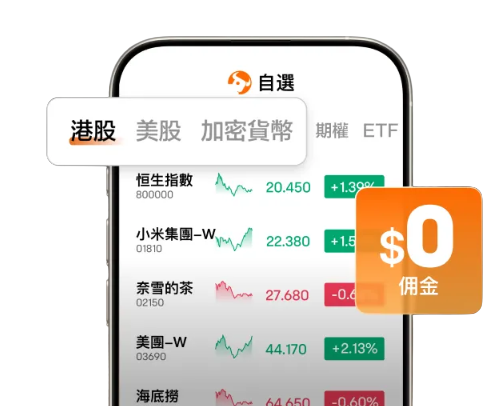
Combine quotes, interactive charts, stock screeners, financial data, watchlists and news to narrow a large market into securities that match your own research criteria.
Stock Screener
Filter securities by market, sector, valuation, financial metrics, price performance and other available screening criteria.
Charts & Market Data
Study price action with interactive charts, indicators, market lists and quote data available for your market and data entitlement.
Watchlists, News & Company Data
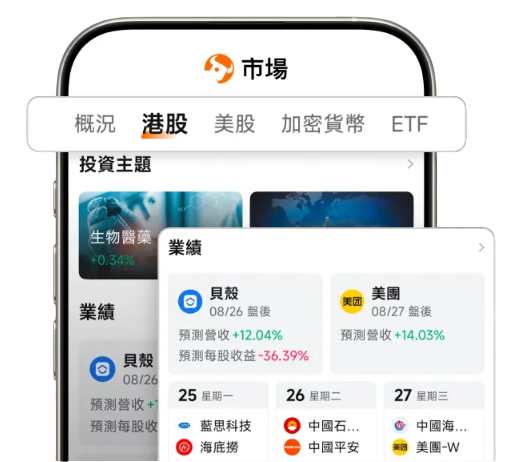
Track selected securities while reviewing company information, earnings events, analyst data and current market news.
Moomoo AI Expert Mode brings no-code strategy research, backtesting and live execution into the desktop workflow, while Notes helps capture and review trading ideas.
Moomoo AI Expert Mode
Turn a trading idea into a no-code strategy workflow for research, backtesting and eligible live execution.
Backtesting & Strategy Validation
Test rules on historical data, compare results and refine conditions before deciding whether a strategy fits your objectives and risk tolerance.
Notes & Trade Review
Record observations, trading ideas and post-trade notes alongside your research so the reasoning behind a decision is easier to revisit.